AIM Quiz runs a pub quiz without the paper. The questions go up on the TV, each team answers from its phones, and the app marks the answers, keeps the scores and ends the night with a podium. Install it on a Windows or Mac laptop, or, with a Host or Venue key, run the night from a tablet or phone at quiz.aimdev.site. Three free nights to try it.
For the host laptop: Windows 10 and 11, or macOS. Teams only need a phone browser. Windows may warn the first time: click More info, then Run anyway.

How to start
Two ways to run a quiz night
A laptop and a TV
Install AIM Quiz on a Windows or Mac laptop and connect it to a TV or projector. Teams scan the code on the screen. Runs on your own Wi-Fi, with or without internet.
Download for Windows or MacA tablet or a phone, no install
With a Host or Venue key, open quiz.aimdev.site in the browser and the night runs on our server: the host panel on your tablet or phone, the questions on any screen with a browser.
quiz.aimdev.site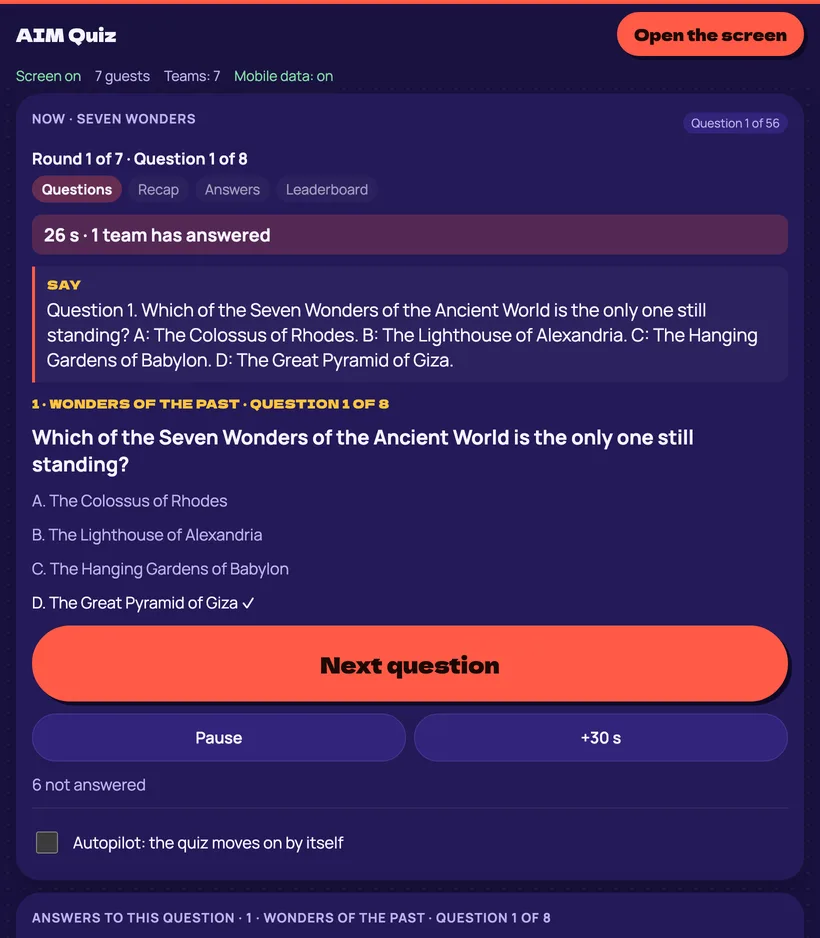
How a quiz night runs
Teams join
A captain scans the code on the TV and names the team; teammates join from the captain's phone.
A round opens
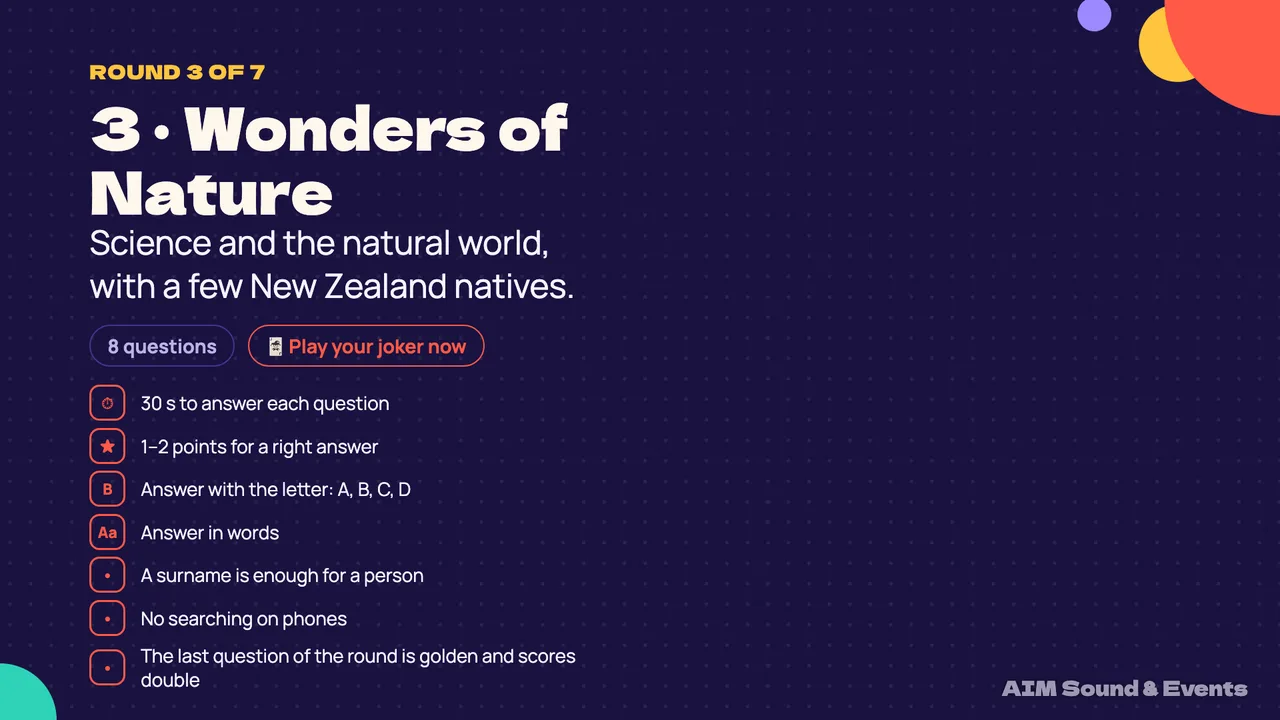
Its title card, how many questions, and the last moment to play a joker.
Questions and answers
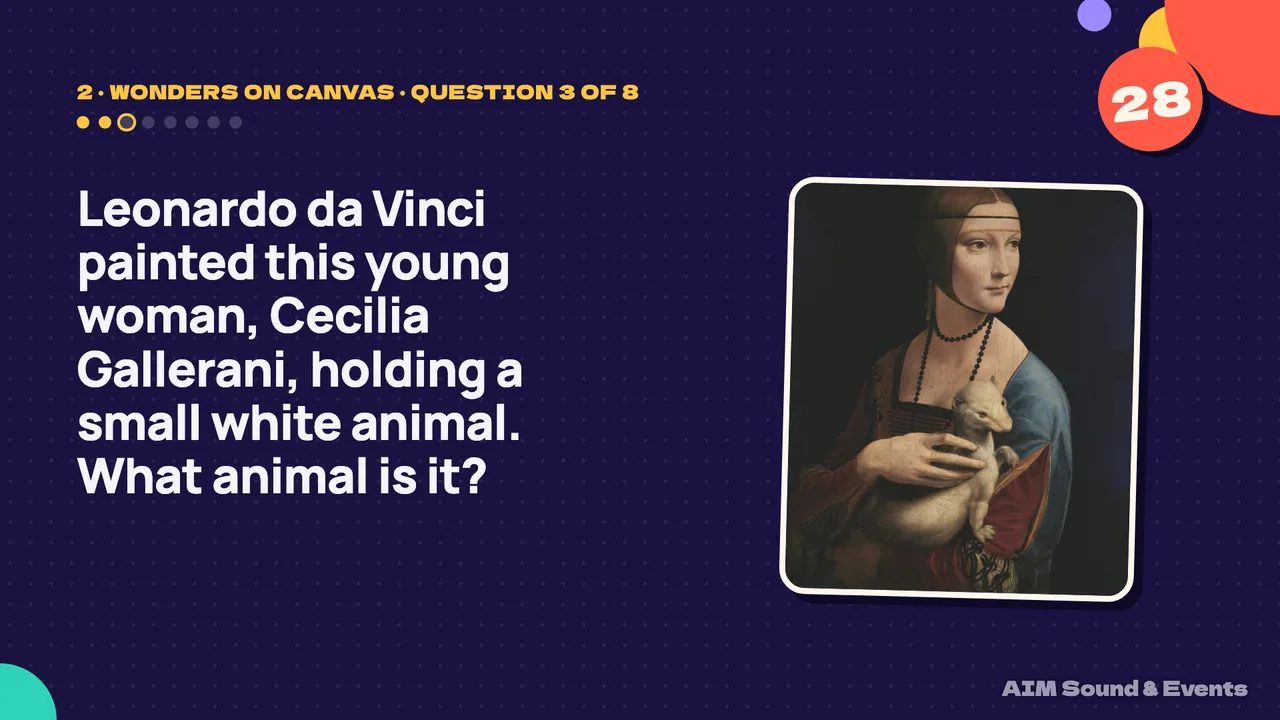
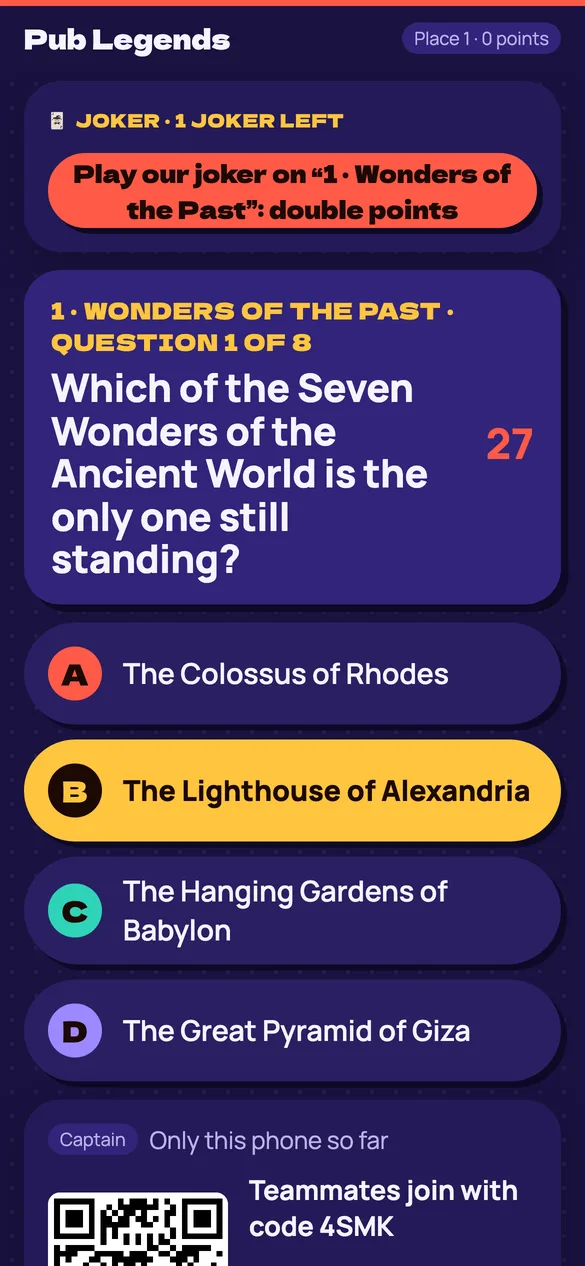
Questions on the TV, answers on the phones, open all round as on paper.
Recap and collect
Every question of the round again, half a minute to check, then the answers are in.
The answers, one by one
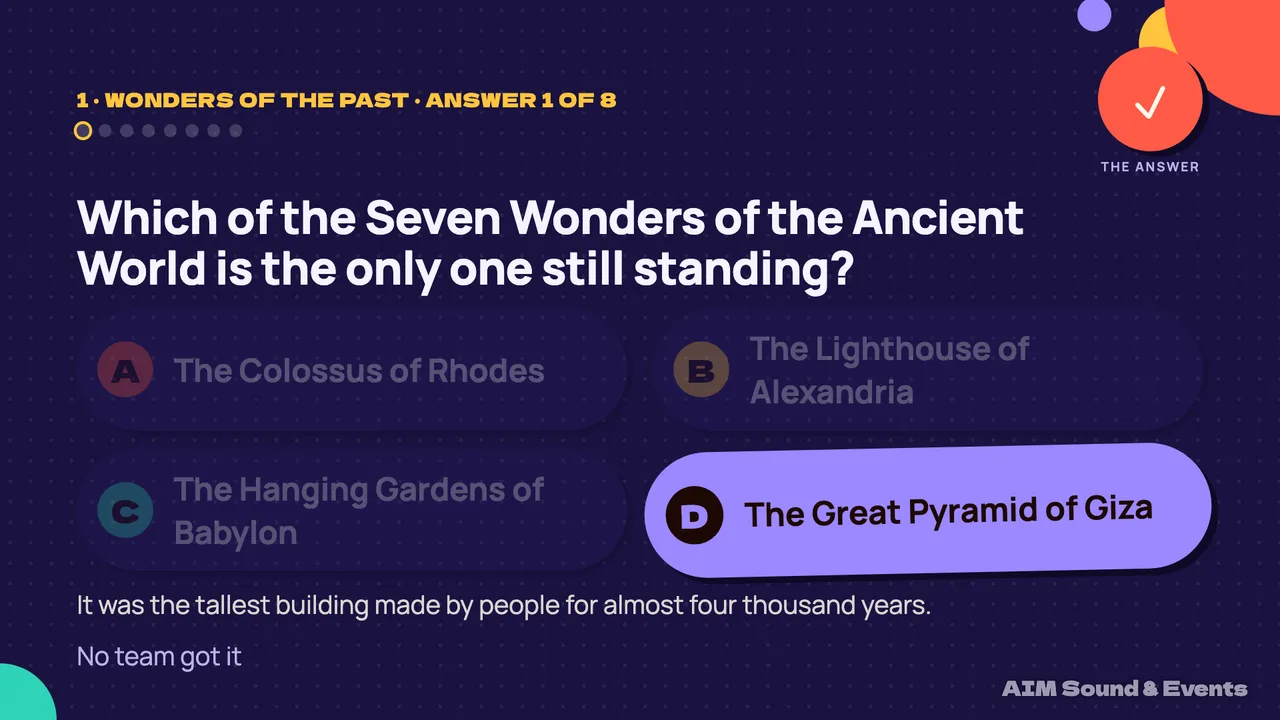
The right answer, who had it, a note to read out, and the scores move.
The podium
Third, second, the winner, then the table of every round.
On the TV and on the phones
A team of any size: one phone answers, the rest follow
The captain answers for the team, in the phone's browser. Every teammate follows on their own phone: the question, the pictures, the clock and the team's answer. The team's answers stay open for the round, so the captain can go back and change one, just as a team would cross out a line on the sheet, until the answers are collected.
- Teammates join by a four-character code or the QR code on the captain's phone; the captain can hand over.
- Choice questions with up to six options, or answers typed in.
- Pictures, and sound or video clips from your own files, on the big screen. Pictures reach phones on mobile data too.
- A clock for each question, after a few seconds to read it out.
- Nothing to install, no account, no email.
Round by round
Every round has its moment
A round opens with its title card. When it is over, the answers are collected and shown one by one: the right one lights up, the room sees who had it, and you have a note to read out.
- A theme for the night, and the teams introduced on the screen.
- A picture and a fun fact with any answer.
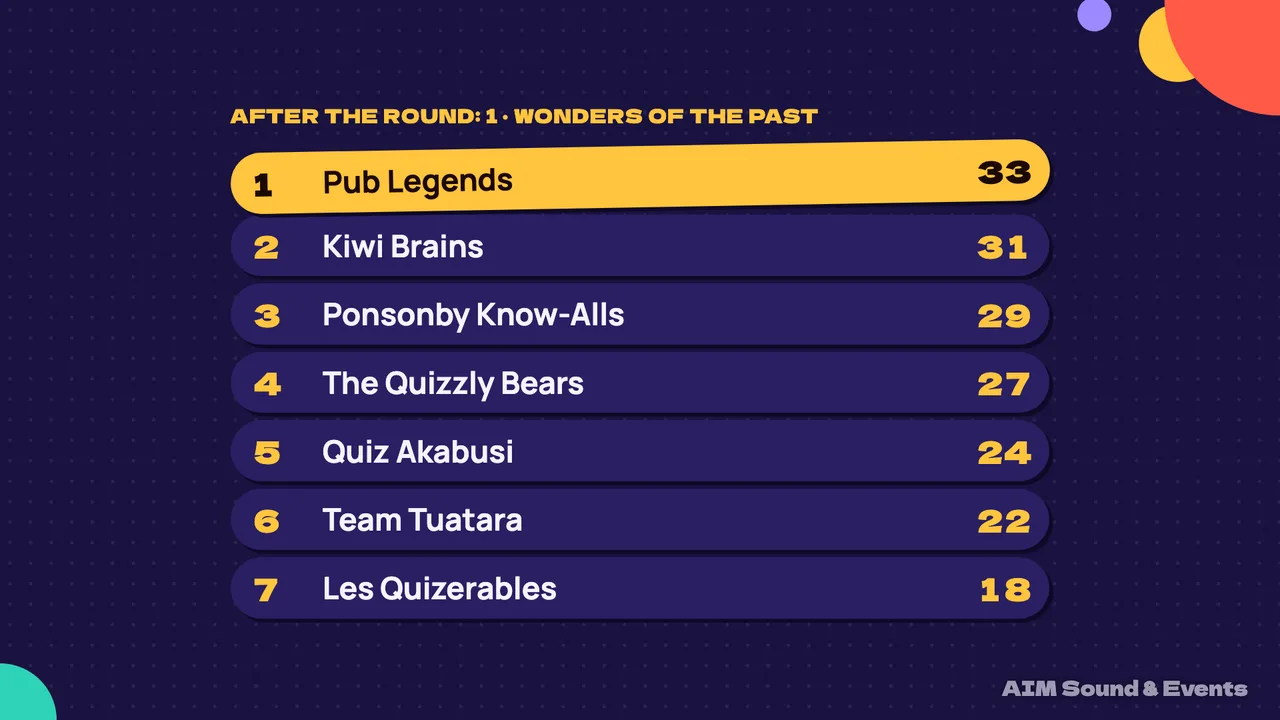
- The leaderboard after every round.
The end of the night
Third place, second, and the winner
If first place is shared, a tiebreak question settles it. Then the podium fills from third place up, and the final table shows what every team scored in every round, jokers included.
- Each team sees its place and its points by round on its phone.
- Save the quiz as a file and run it again another night.

League nights
A season, not just a night
A team registers once and gets a league code. Every night of the series gives points by place, and the standings follow the teams from one night to the next.
- Place 110
- Place 27
- Place 35
- Place 43
- Place 52
- Place 61
- For playing+1
- Standings on the TV, on the teams' phones, and on a public page for each series.
- With Comealong, each buyer gives a team name; the ticket carries the team's code and a QR code for the door.
- The host scans tickets at the door from a phone, torch on, with a manual tick when a code will not scan.
- After the night, the ticket page shows the team's place and a link to the standings.
Teams with a captain come with a Host key; league nights and Comealong with a Venue key. Without a key, the quiz runs with one phone per team. Home, Host and Venue →
Everything a quiz night needs
The rules people know, and the tools you need
Jokers
Each team doubles one round, played before it starts.
Blitz rounds
One clock for the whole round, questions back to back, no recap.
A tiebreak
A number to guess when first place is shared. Closest wins.
Reading time
The clock starts after you have read the question out.
Fair marking
Spellings and transliteration forgiven; you can count a fair answer by hand.
Picture rounds
Picture questions, pictures as options, a picture that clears slowly.
Music and video rounds
A clip from your own files plays on the screen: from where you choose, for as long as you choose, and again with the answer.
Autopilot
The quiz runs the night by itself; every button still works.
Host remote
Run the quiz from a phone or a tablet with a PIN. A double "next" is ignored; the clock can be paused.
Make a copy, preview
Copy a quiz to build the next one, and preview any question as the screen will show it.
Three languages
English, Russian and Ukrainian on the phones.
Paper teams
Printable answer sheets and points added by hand.
Background music
Quiet music from your own folder, off in music rounds.
Offline
Your Wi-Fi is enough; mobile data works when the computer has internet, pictures included.
Your questions
The questions are yours
Write your own in the app, with pictures and notes, or load a quiz pack: from a file, or with the code that comes with a pack. A template comes with the app.
Want karaoke too?
The same quiz is in AIM Party
AIM Party runs this quiz too, and adds karaoke and music for dancing, one button between them. The keys and plans are the same for both apps.
See AIM PartyWant the quiz run for you? In Auckland, AIM Sound & Events brings the sound, the screen and a quizmaster, and runs the quiz night for you.
AIM Sound & EventsQuestions about AIM Quiz
What do I need to run a quiz night?
A Windows or Mac laptop with AIM Quiz, a TV or projector as a second screen, Wi-Fi the teams can join, and your questions. Teams use their phones' browsers: nothing to install. With a Host or Venue key you can skip the laptop and run the night from a tablet or phone at quiz.aimdev.site.
How is AIM Quiz different from AIM Party?
AIM Quiz is the quiz alone. AIM Party has the same quiz plus karaoke and music for dancing. The keys, plans and free nights are the same, so pick the app that fits your night.
Do I need a key?
Not to try it: every computer gets three free nights, and a night counts when its first question starts. After that a Home, Host or Venue key keeps it going, the same keys as AIM Party. Teams with a captain and the host remote come with Host, league nights and Comealong tickets with Venue. See the plans at comealong.co.nz/party/plans.
Does it come with questions?
You write your own in the app, with pictures and notes, or load a quiz pack from a file or with the code that comes with a pack. A template comes with the app.
Windows says "Windows protected your PC". Is it safe?
Yes. The Windows installer is not yet signed with a Microsoft-recognised certificate, so SmartScreen warns the first time. Click More info, then Run anyway. The download page lists a checksum for each installer so you can check the file.
Do I need internet?
Not with the laptop app: the quiz runs on your own Wi-Fi. With internet on the laptop, teams on mobile data can join too. The browser option at quiz.aimdev.site runs on our server, so it needs internet.